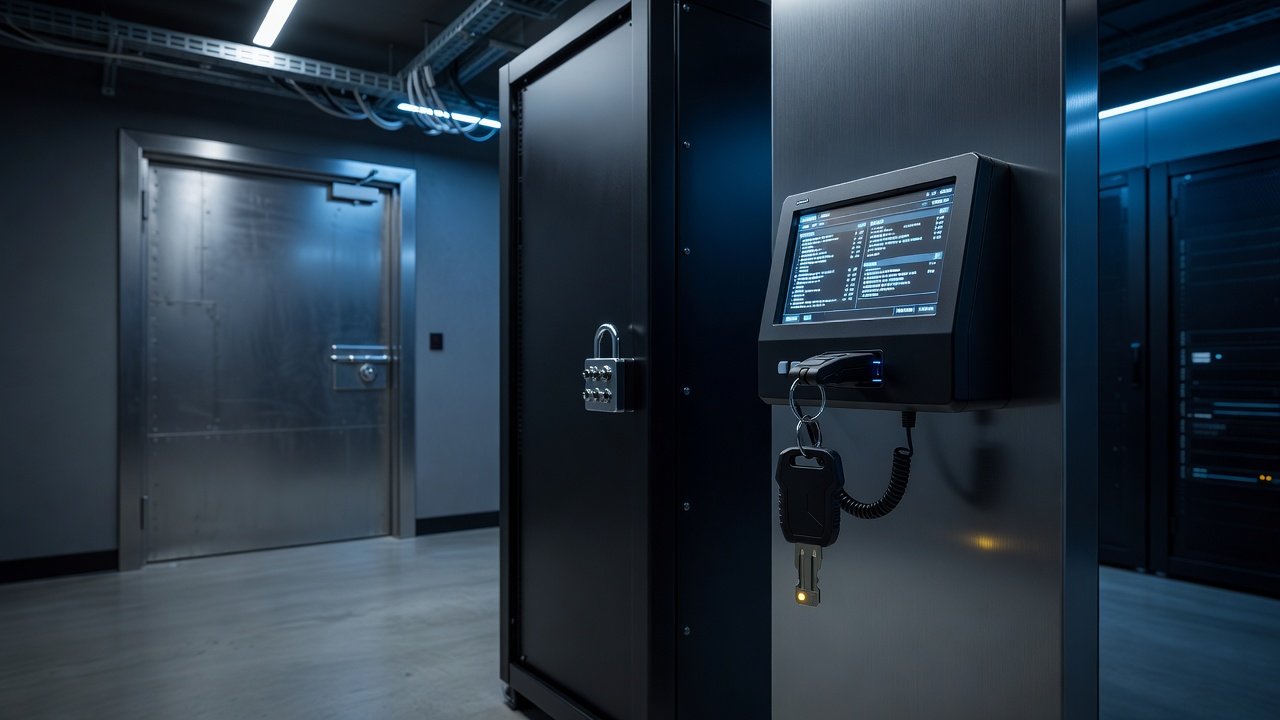
Most backup security work goes into the data: encrypt it, copy it offsite, make a copy immutable. Far less goes into the system that decides what happens to that data. The backup console, the management server behind it and the accounts that sign in to either can shorten a retention period, delete a job, disable a schedule or point a restore at the wrong place. An attacker who reaches that layer does not need to defeat your encryption or your object lock. They only need to be an administrator.
The site’s earlier look at how ransomware goes after the backup repository first covers the attacker’s side of this. This piece is the defender’s checklist for the control plane.
Why the console is the softer target
An immutable bucket enforces its rules in the storage layer, outside the reach of a stolen backup-console password. The console, by contrast, usually sits on a general-purpose server, joined to the same directory as everything else, administered by the same people, and reachable from the same networks. Three patterns show up repeatedly.
The console is a vulnerable application. Backup software is a network service with a web interface and an API, and it holds credentials for every system it protects. CISA’s Known Exploited Vulnerabilities catalog has included backup products on more than one occasion. One example is CVE-2024-48248 in NAKIVO Backup & Replication, which could let an attacker read sensitive files including configuration, backups and credentials. Another is a trio of Veritas Backup Exec flaws that Mandiant reported being used for initial access in BlackCat (ALPHV) ransomware intrusions. Check the catalog directly for the products you run, because it changes.
The console shares an identity with production. If the backup server is domain-joined and the backup admin role maps to a domain group, then compromising the directory compromises the backups, and the directory is what ransomware operators go after first.
The console has standing, unattended power. Service accounts, API tokens and stored credentials let the software work at 2 a.m. They also let anyone who steals them do the same.
Authentication: make the sign-in expensive to steal
Start with the account, because it is the cheapest control to improve.
- Require multifactor authentication on every console login, and for the product’s API where it supports it. CISA’s #StopRansomware Guide recommends phishing-resistant MFA, meaning FIDO2/WebAuthn security keys or similar, for services that reach critical systems. SMS codes and push approvals are better than a password alone, but both can be phished or fatigued into approval.
- Do not let the console trust the production directory by default. Where the product supports it, give backup administrators their own identities, or a separate directory or identity-provider group with its own MFA policy, so a domain-admin compromise does not hand over the keys.
- Keep one break-glass account, with a long random password and a hardware key stored offline, tested on a schedule and alarmed whenever it is used. Its job is to get you in when the identity system is down, which is exactly the day ransomware has hit.
- Remove shared logins. A shared “backupadmin” account destroys your audit trail and makes offboarding someone a guessing game.
Authorization: split the powers of one administrator
NIST SP 800-209, the storage security guideline, treats authentication and authorization as separate topics for good reason. MFA proves who signed in. It says nothing about what that person should be able to do.
Divide backup administration into roles that map to real risk:
- Operators monitor jobs, rerun failures and run routine restores of files to a safe location.
- Policy owners change schedules, scope and retention.
- Key and storage custodians control encryption keys, repository credentials and immutability settings.
- Auditors have read-only access to logs and reports.
The point is that no single compromised account can both change retention and erase the evidence. Where your product offers a four-eyes or approval step for destructive actions such as deleting backups, shortening retention or disabling immutability, turn it on. Where it does not, enforce the same discipline with change tickets and alerts on every such event.
Review the role membership quarterly. Stale access, such as a contractor from a project that ended last year, is the most common finding in these reviews.
Network and platform: shrink the exposure
- Put the management interface on a dedicated management network, not the user VLAN and not the internet. If a vendor support workflow needs inbound access, open it for the session and close it afterwards.
- Treat the backup server as a tier-zero asset. Harden it, run endpoint detection on it, do not browse from it and do not use it as a file server.
- Patch on the vendor’s security advisories and the exploited-vulnerability catalog, not on the general maintenance calendar. A backup console with a known exploited flaw belongs at the front of the queue.
- Store repository credentials in a secrets vault rather than in scripts, and rotate them. Use scoped credentials: the account that writes backups should not be able to delete them. Object stores let you enforce that at the storage layer, as the site’s S3 object lock guide explains.
- Ship console audit logs off the box to a system the backup team cannot edit. A log the attacker can delete only helps the attacker.
Verify it works the way you think it does
Two exercises turn this from policy into evidence.
Attempt to destroy a backup as a compromised admin would. From a fresh account holding the operator role, try to delete a recovery point, shorten a retention policy or turn off an immutable setting. Every attempt that succeeds is a finding. Then repeat the exercise as a policy owner, and confirm each destructive action raises an alert somebody actually receives.
Rebuild the console from nothing. Assume the management server is gone or untrusted. Can you stand up a clean one, reconnect it to existing repositories and restore a system, using documented steps, offline copies of the configuration and keys held outside the backup system itself? The ransomware recovery readiness checklist includes this kind of dependency check, and it is also where a restore drill tends to expose the missing encryption key or the runbook stored on the very system that is down.
A short list to start with
If you can do only five things this month: enforce phishing-resistant MFA on the console, create and test a break-glass account, split operator from policy-owner rights, move the management interface off any shared network, and send console audit logs somewhere the backup admins cannot delete them. Then spend one afternoon trying to delete your own backups with a limited account. What you find will rank the rest of the work better than any framework can.
This article is general industry information, not security or legal advice. Check the specific hardening guidance for your backup product and your own risk assessment.